Trading Terminal
LiveProfessional Trading Dashboard
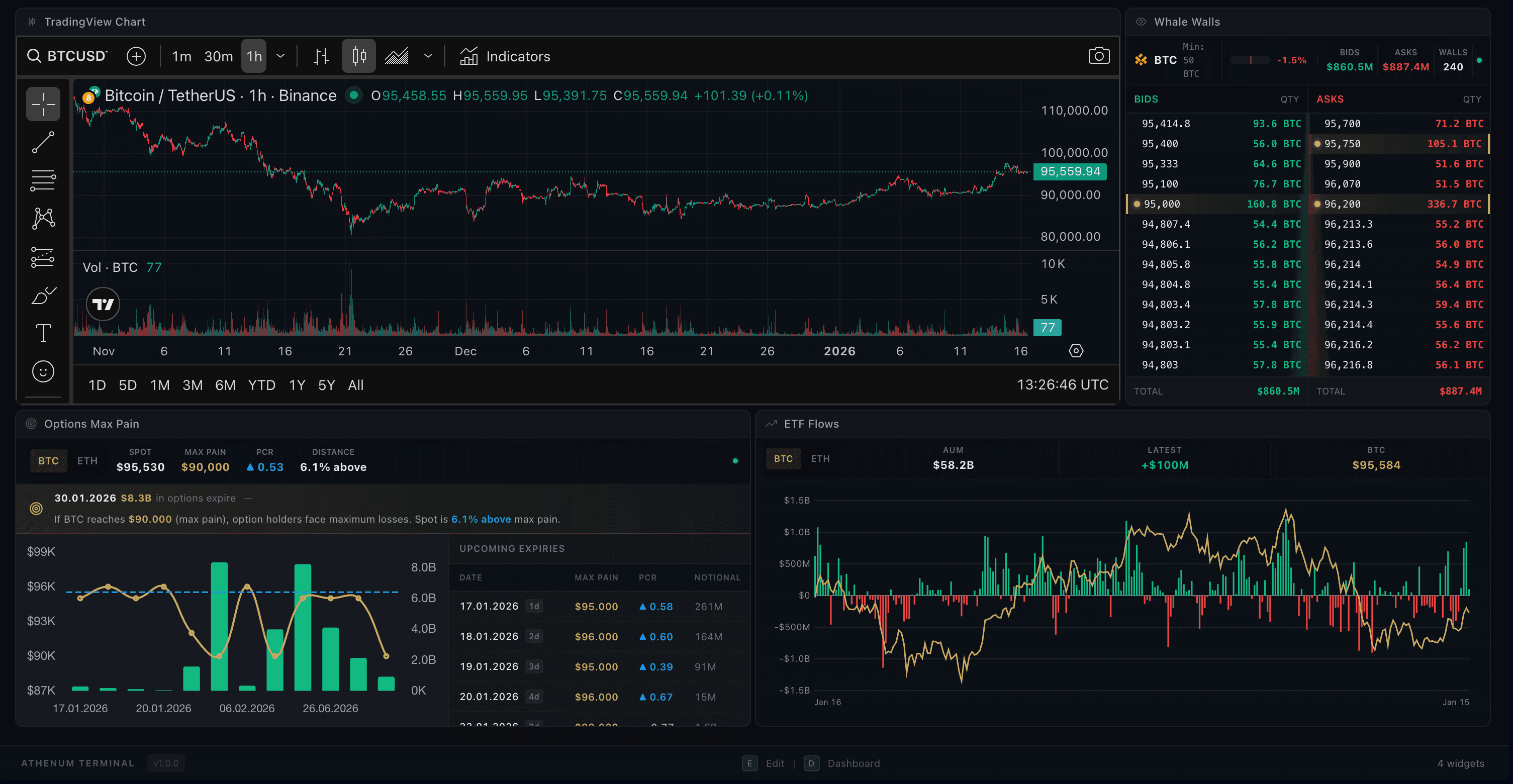
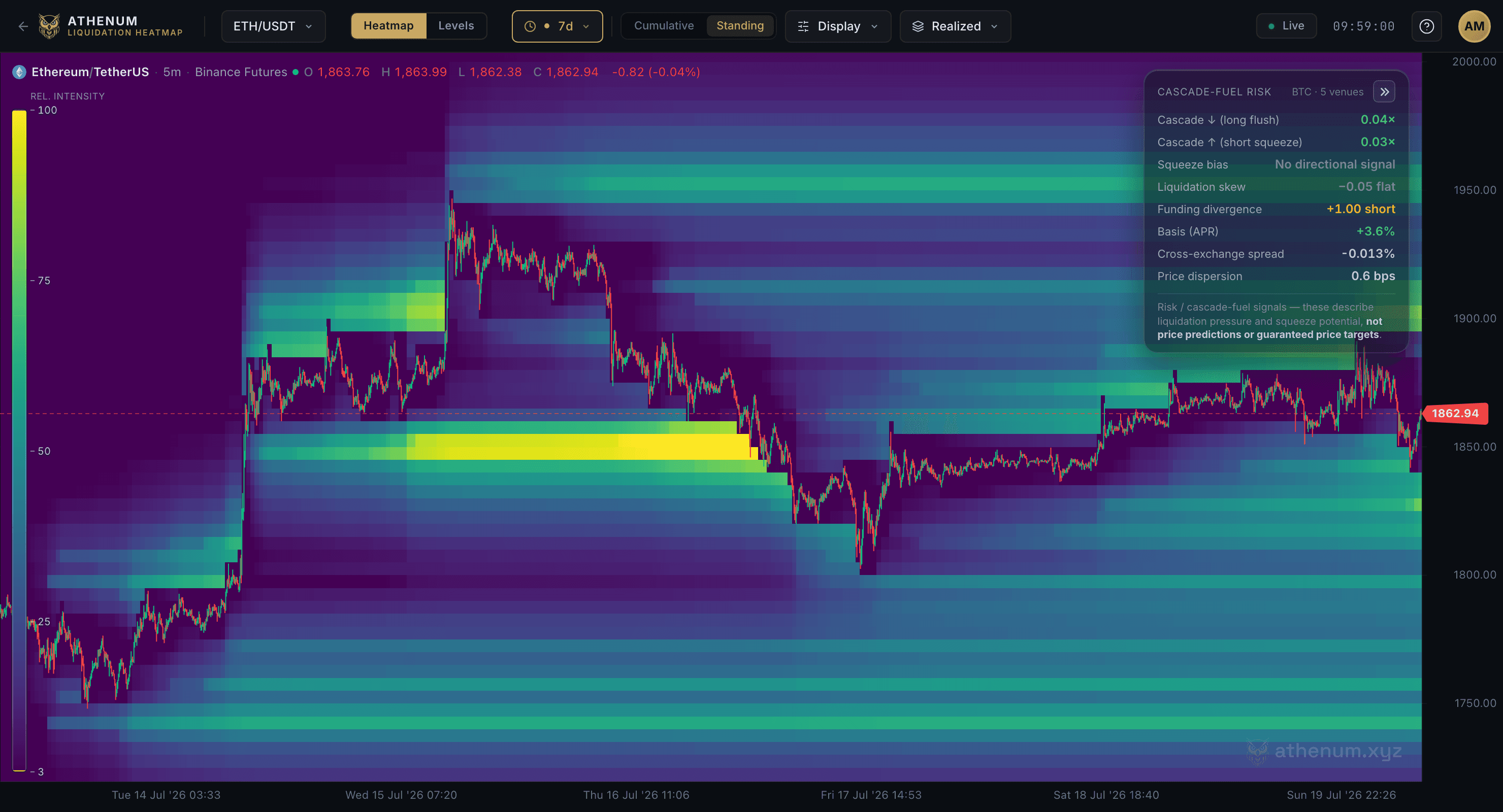
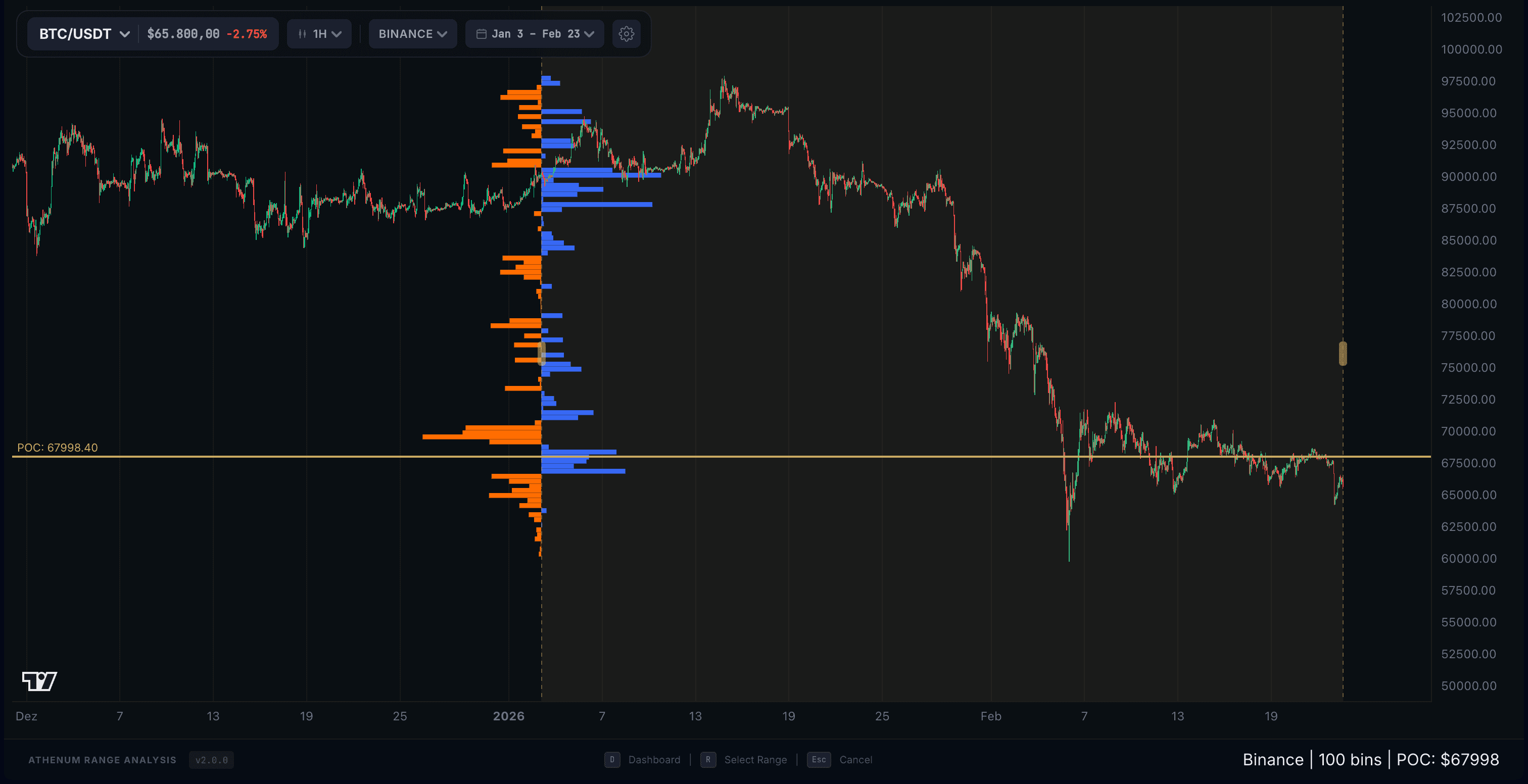
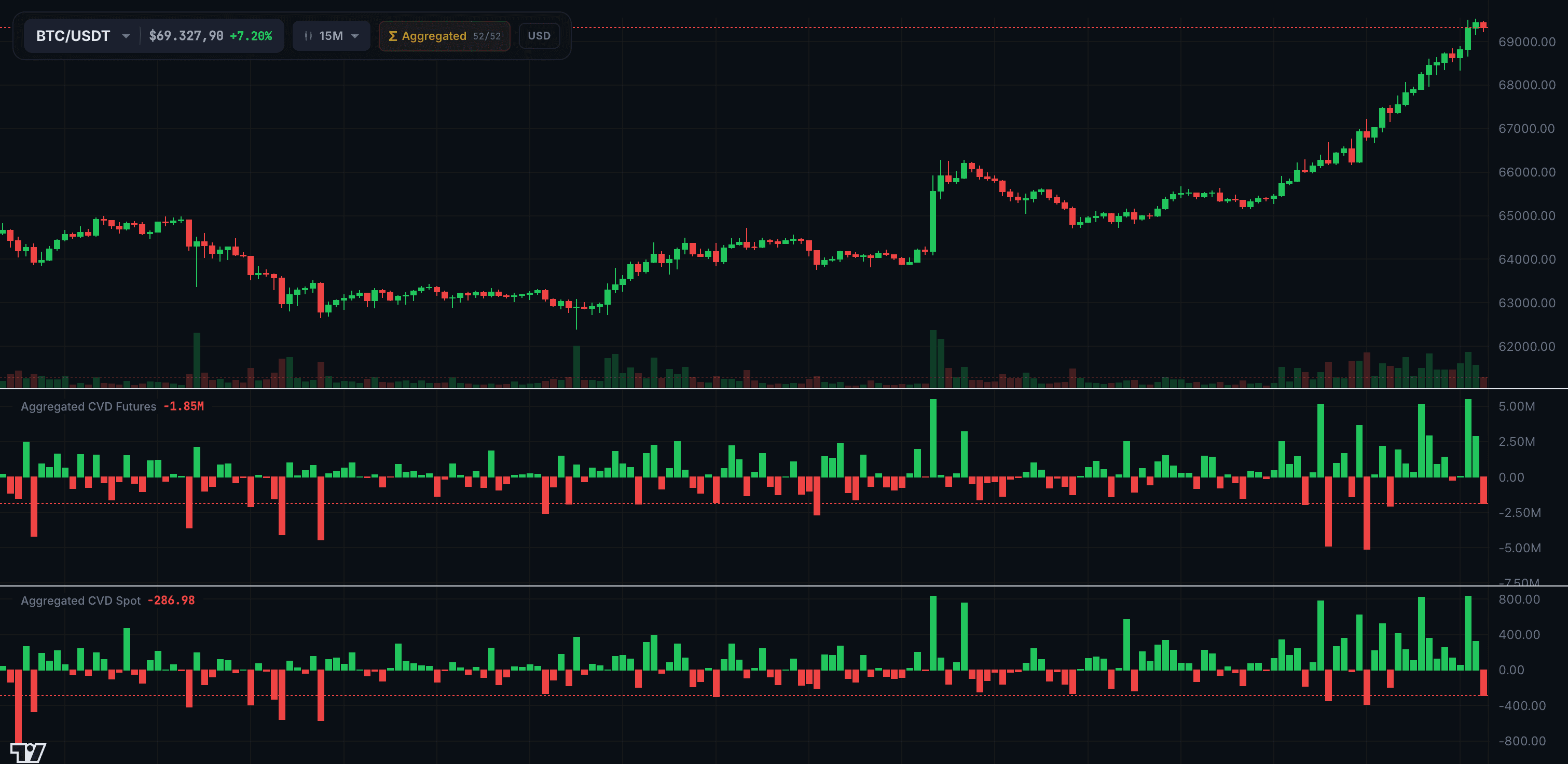
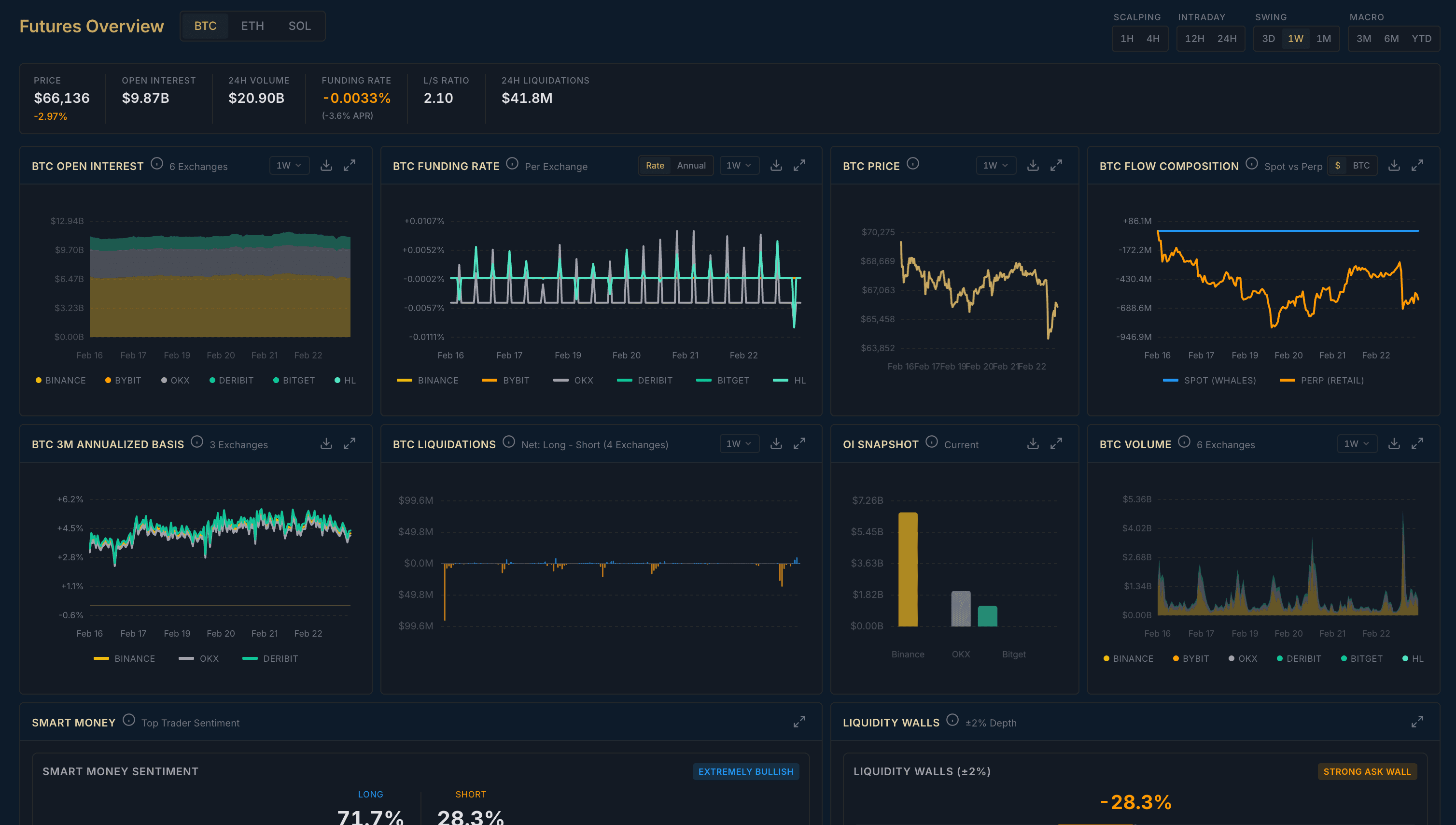
The Terminal is your fully customizable trading workspace. Drag-and-drop widgets to build your perfect layout with charts, orderbooks, whale walls, and more - all synced to your selected trading pair.
Drag & Drop Widgets
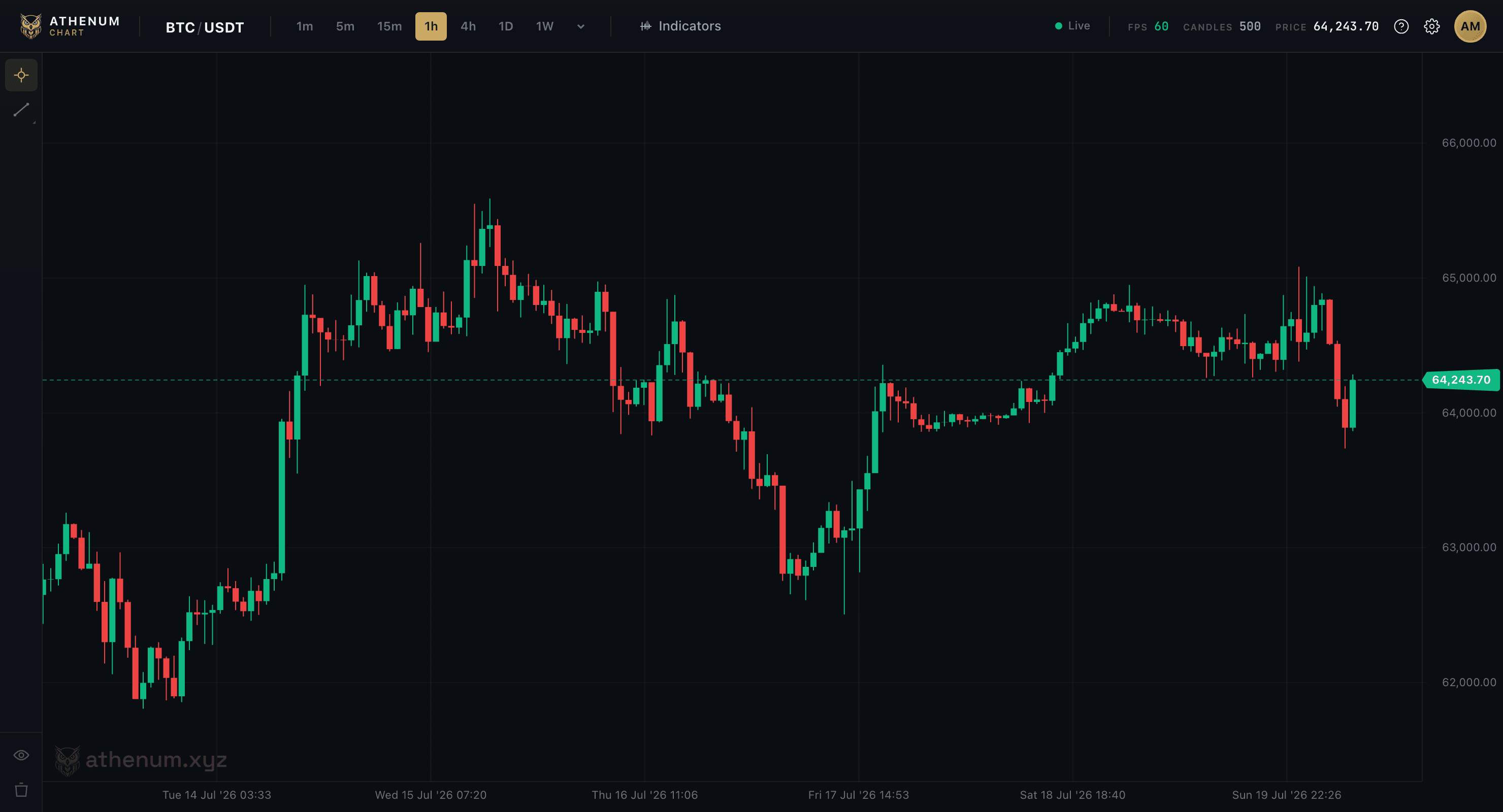
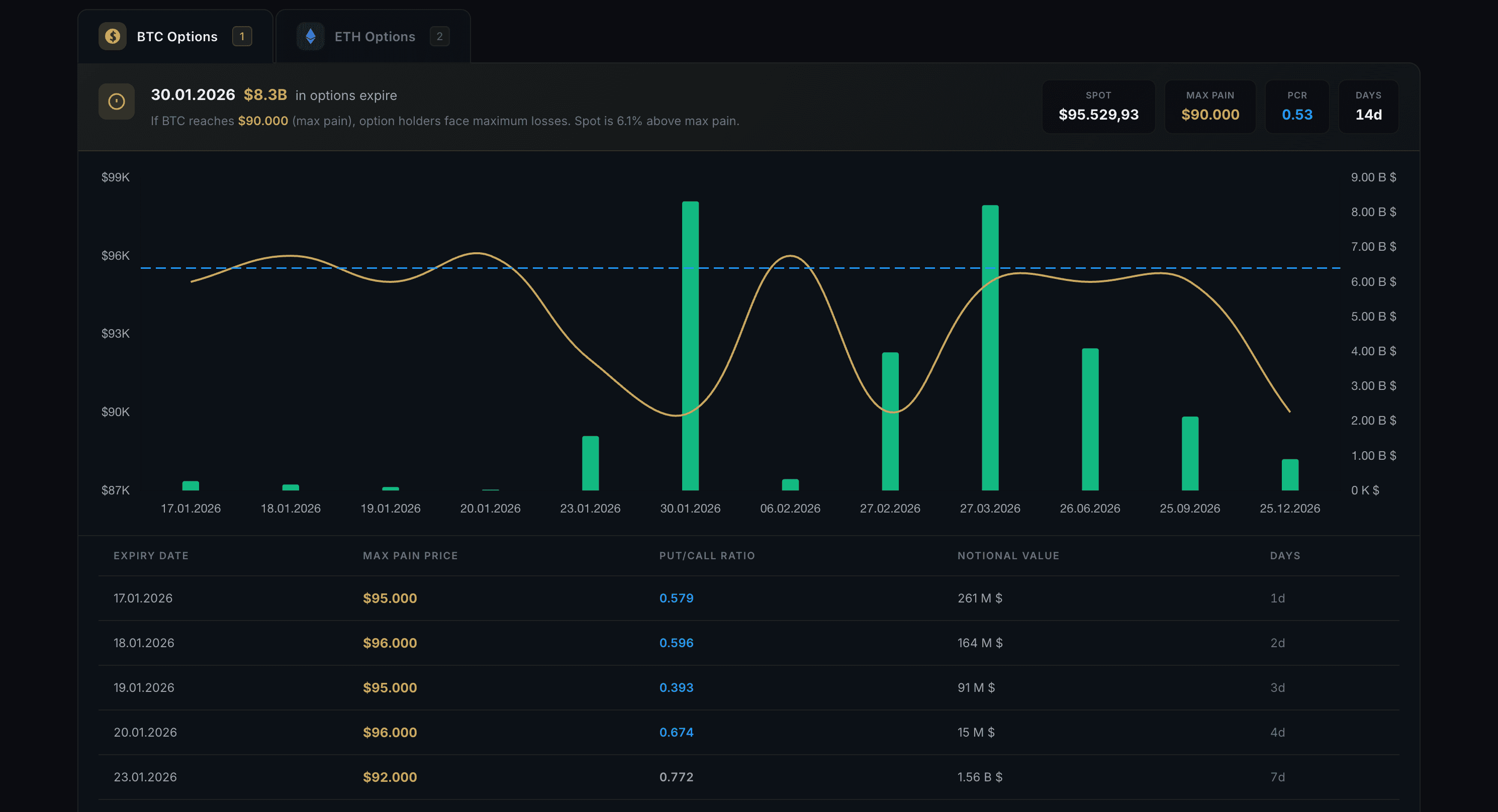
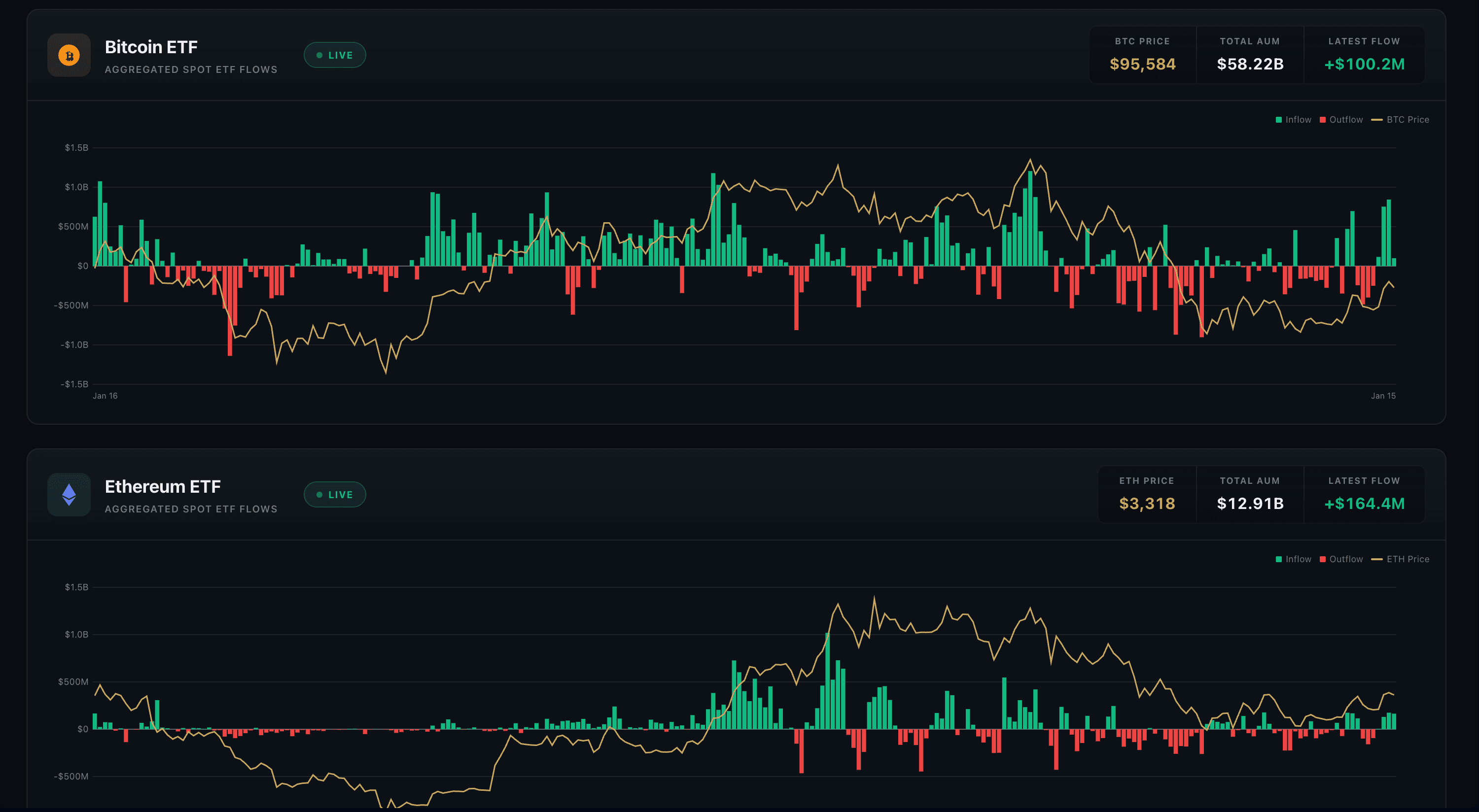
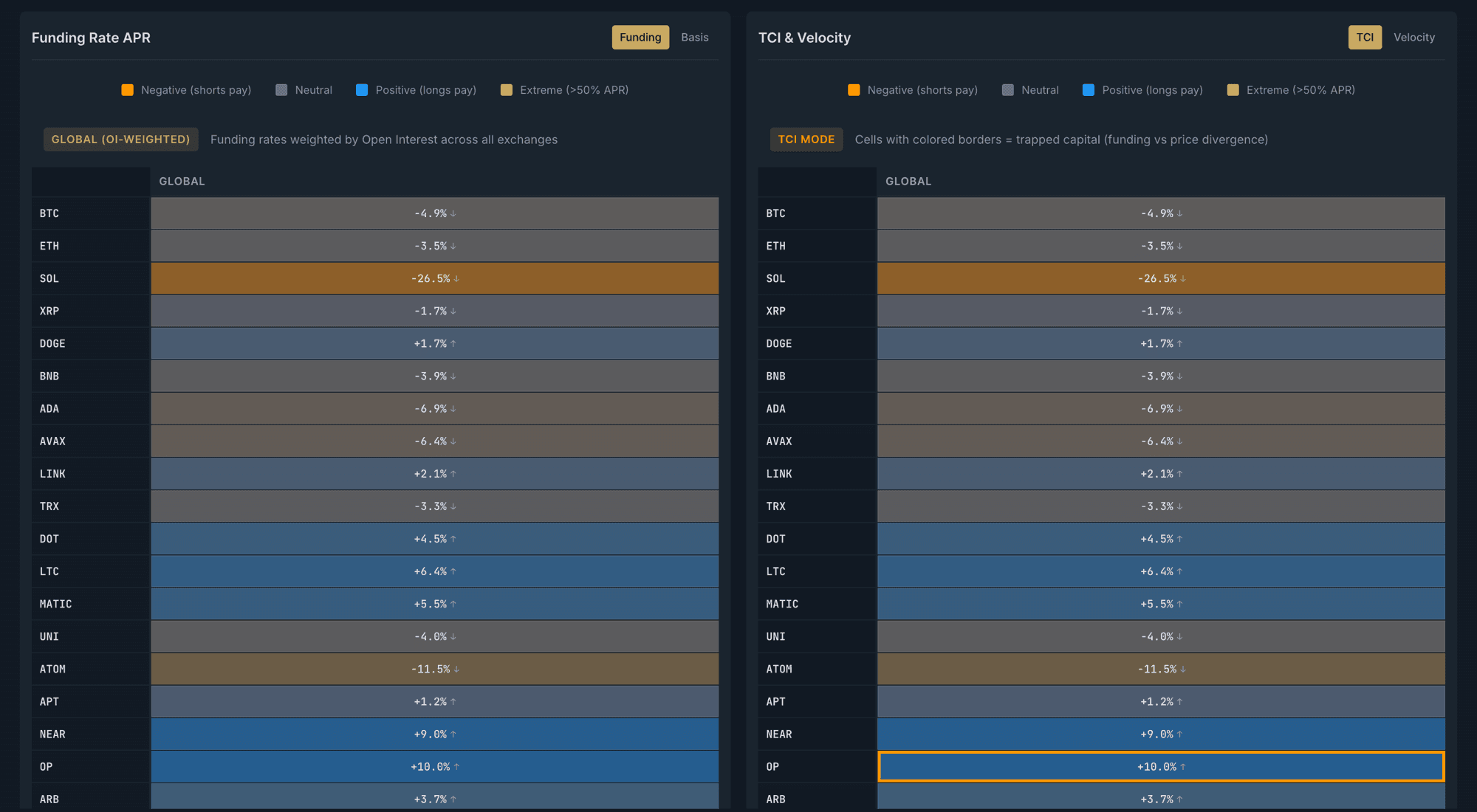
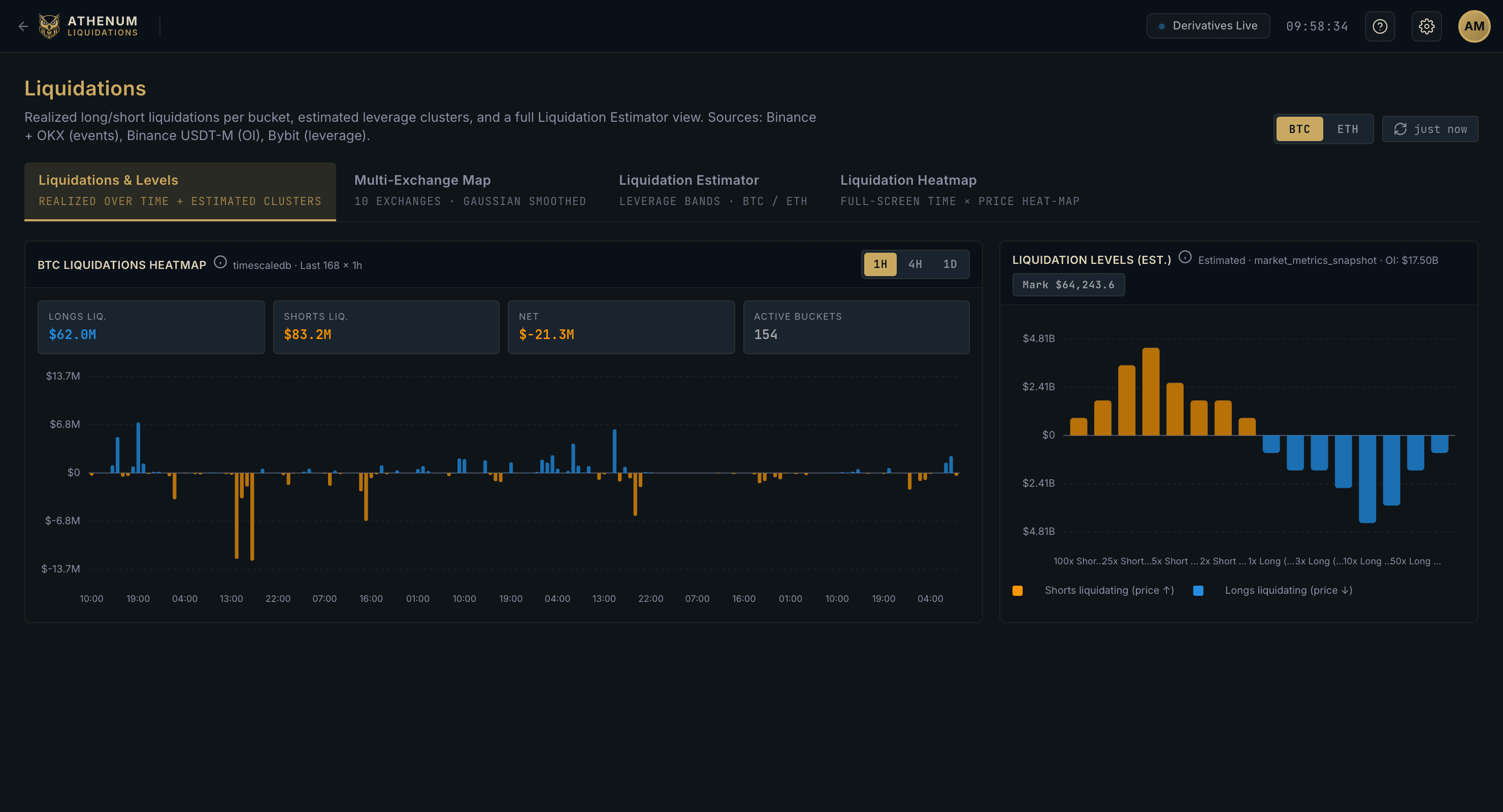
Add, remove, resize and position 16+ widget types - from Chart, Order Book, Whale Walls and Trade Feed to ETF Flows, Options Max Pain, Liquidations, Coinbase Premium and futures cards.
Layout Templates
Choose from 5 predefined layouts or create your own custom workspace and save it for later.
Symbol Sync
All widgets automatically sync to your selected trading pair - change once, update everywhere.
Keyboard Shortcuts
Press E for Edit mode to customize, D to return to Dashboard, Esc to go back.
How It Works
Press E to enter Edit mode and customize your layout
Click the + button or drag widgets from the sidebar to add them
Resize widgets by dragging their edges, move them by dragging the header
Press D to lock your layout and return to Dashboard view
Pro Tips
- Use the Scalping template for fast orderbook-focused trading
- The Whale Watching template combines whale walls across all exchanges
- Save your custom layout - it persists across sessions